Convert Markdown to HTML
Markdown becomes clean HTML. Pick a full page with CSS to open in any browser, or only the content to paste into WordPress, Webflow or your newsletter editor.
What HTML you get
For our test on 17 October 2026 we used the same file with 13 Markdown elements as for the Word export. As a full document the result was 2.9 KB, content only 1.2 KB. Converting the test file took 0.08 seconds.
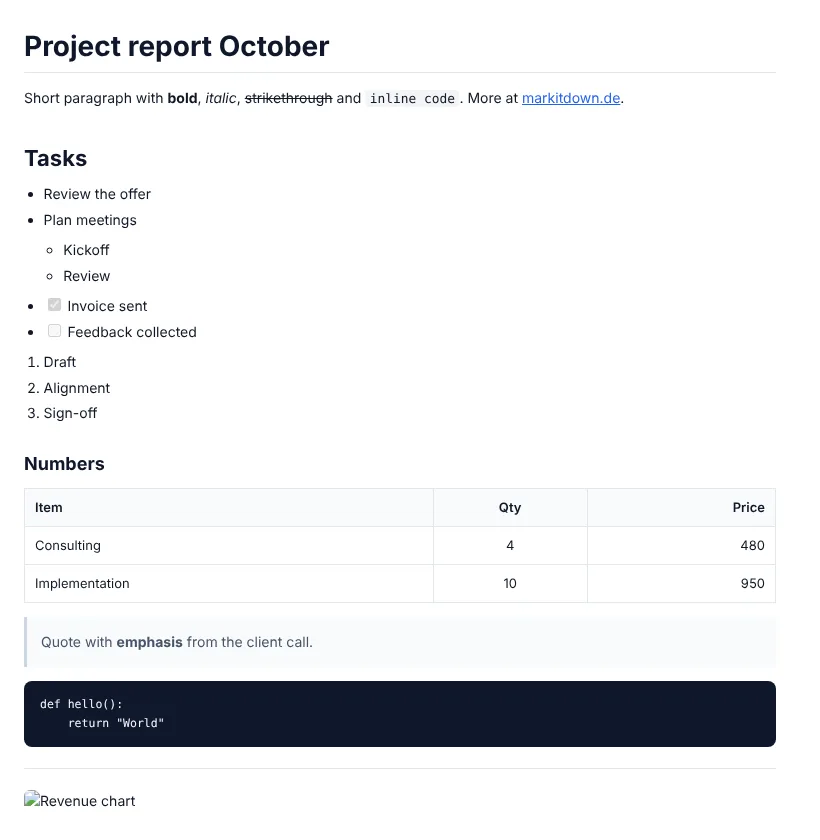
The full document ships its own stylesheet, without external fonts or scripts. It opens offline exactly as shown in the image. The <title> is taken from your first H1 heading.
Content only drops <html>, <head> and CSS. That is the code you paste into a WordPress Custom HTML block, and your theme takes over the design.
| Markdown element | Result in the HTML |
|---|---|
| Headings # to ###### | <h1> to <h6>, without automatic id anchors |
| Bold, italic, strikethrough | <strong>, <em> and <del> |
| Links and images | <a href> and <img> with alt text. Paths stay as written in the Markdown |
| Lists | <ul> and <ol>, nested |
| Task lists - [x] | Disabled checkboxes <input type="checkbox" disabled> |
| Tables | <table> with <thead>, alignment as align attribute |
| Code blocks | <pre><code class="language-python">. The language class stays for Prism or highlight.js, no colouring is applied |
| HTML inside Markdown | Passed through unchanged, including <script> |
| Footnotes [^1] | Stay as plain text |
Method: test file with 13 element types, export in Chromium, source checked and result opened in the browser. As of 17 Oct 2026.
Responsible for this page: Adriano Caruso, Caruso Consulting, Limburg an der Lahn, Germany.
From Markdown to HTML in three steps
Text or .md file
Paste Markdown or drop an .md or .txt file up to 5 MB into the field.
Page or content only
Full document for a standalone file, content only for a CMS, wiki or newsletter.
Download or copy
Download the .html file or copy the code straight to your clipboard. Nothing is stored.
Before you publish the HTML
The HTML is lean and standards-compliant. The main drawback: it is not sanitised. Keep an eye on these points yourself:
- The HTML is not sanitised. A <script> in your Markdown ends up in the result. Check third-party text before publishing.
- Headings get no id attributes. Add them yourself for jump links in a table of contents.
- Code blocks are not coloured. The language-… class is set so your highlighter can pick them up.
- Footnotes and formulas are not converted.
Our take: for blog posts drafted in Claude or ChatGPT, choose content only and paste it into your CMS. For a file you email or open offline, use the full document. If you need a print-ready document, Markdown to PDF gets you there faster.
What Markdown to HTML is used for
Blog posts in WordPress
Paste a draft from ChatGPT or Claude as an HTML block without lists and tables falling apart.
Text for email editors
Many newsletter tools have an HTML block. Content-only HTML fits in and inherits the template design.
README as a web page
A README.md becomes an HTML file with a stylesheet that opens with a double click, no server needed.
Static content for projects
Keep copy in Markdown and drop it as an HTML fragment into a React, Vue or PHP template.